How to find your device's Asset TAG
- Former user (Deleted)
- Meier, Josh
Owned by Former user (Deleted)
Last updated: Sep 29, 2020 by Meier, Josh
Overview
Asset TAGs help CIS track issues and changes to all "assets" (Computers, Projectors, etc.) we are responsible for. To associate a TAG to an asset, a label with the TAG information will be placed somewhere on the device, typically near other device information such as the serial and model numbers. You may be asked to provide a TAG in relation to support tickets or calls with the CIS HelpDesk, so it is important that you know how to find your devices' TAGs
How to find your device's Asset TAG
The Asset TAG information varies depending on the device. Typically the label can be found for:
- Laptops - Bottom near the device information
- Desktops - Either on the top or sides near the device information
- All-in-Ones - Either on the rear side of the bottom or the sides near the device information
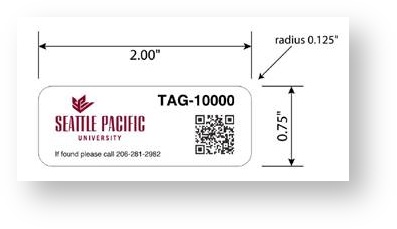
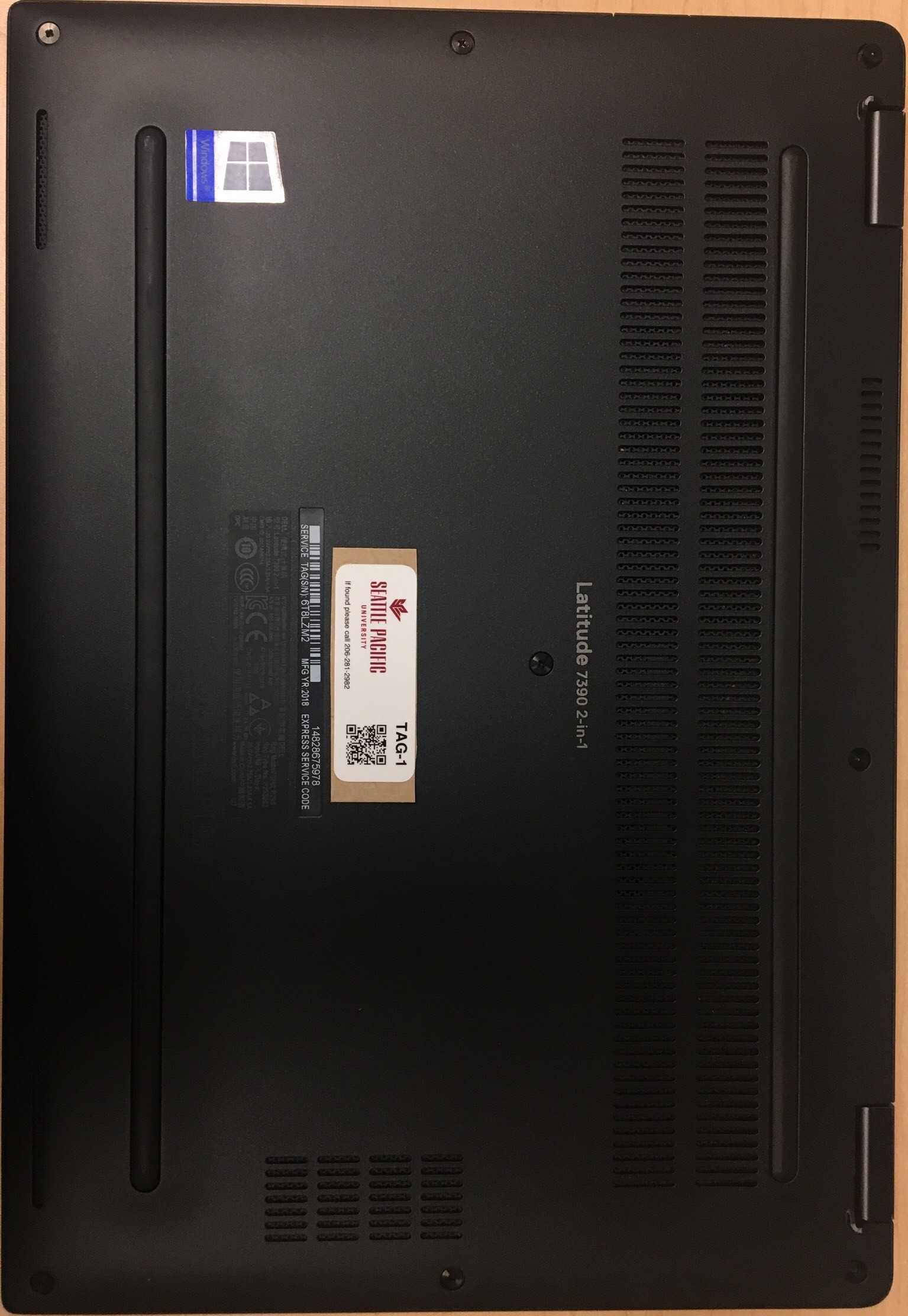
, multiple selections available,